
How to Set Up TotalWebTool's MCP With Codex
Published Apr 27, 2026 by Product Team
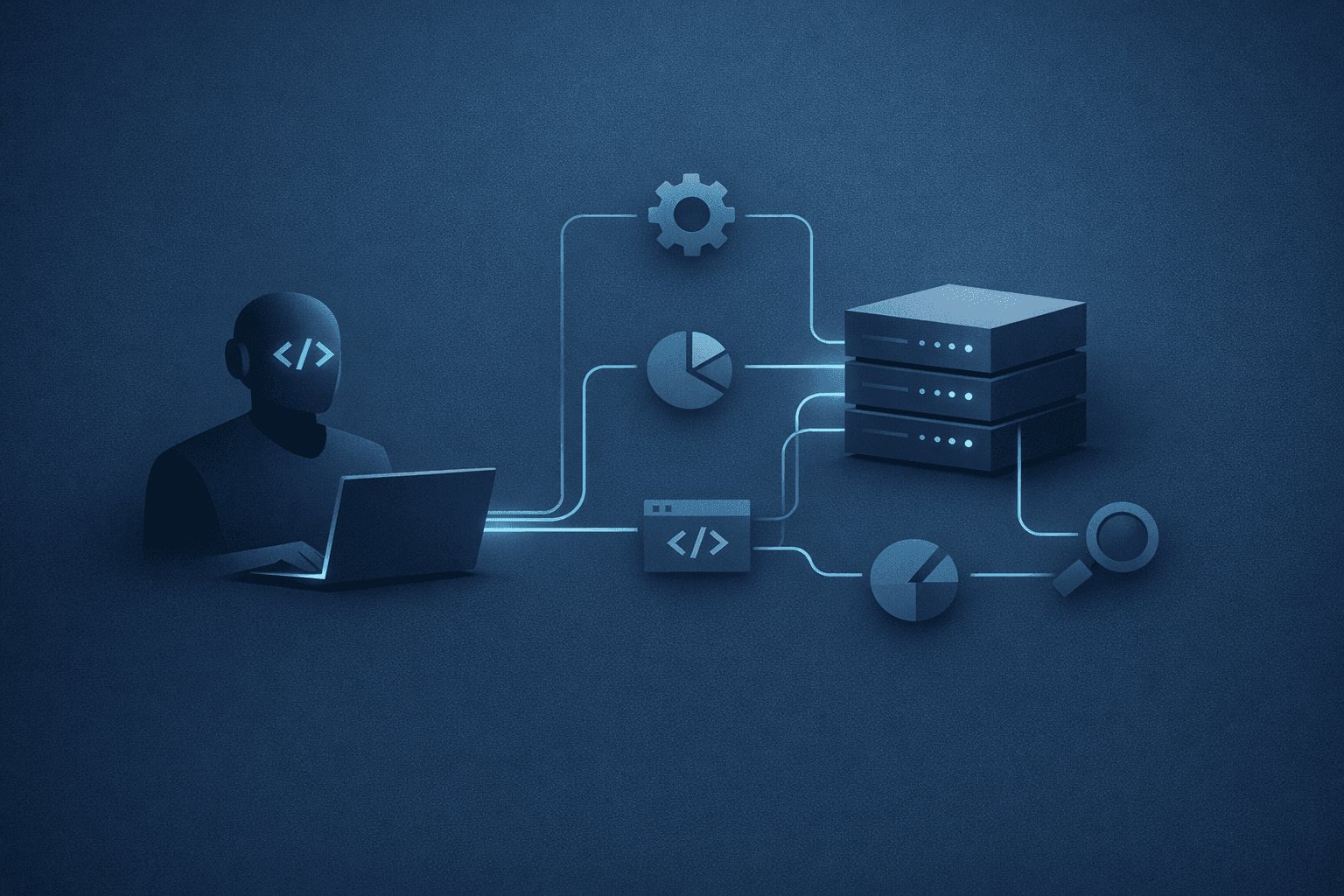
The fastest way to make Codex more useful on a real project is to give it the same tools you already trust in the product. TotalWebTool's MCP endpoint does exactly that. It exposes the tool catalog over standard MCP so Codex can inspect the site, run checks, and carry out small operational steps without forcing you to copy results between separate interfaces.
OpenAI's Codex docs describe Codex as an agent that can read, edit, and run code, and the MCP docs show how to connect Codex to remote MCP servers from the CLI or the IDE extension. That combination is the whole point here: keep the agent in its natural workflow, but let it call the right external tools when the repo needs more context than the source tree alone can provide. (Codex web, Docs MCP)
What TotalWebTool Exposes
In this codebase, the MCP route lives at /mcp. It speaks JSON-RPC 2.0 over HTTP, negotiates an MCP-Protocol-Version header, and responds to initialize, tools/list, tools/call, ping, resources/list, and prompts/list. The GET handler also advertises the server name, transport, documentation URL, supported protocol versions, and the tools currently available. That makes it a normal MCP server from the client's point of view, not a custom one-off integration.
The practical effect is simple:
- Codex can discover the available tools without hardcoding them.
- The same endpoint can be used for both discovery and execution.
- Batch requests and notifications work the way MCP clients expect.
- The tool list stays aligned with the product's real capabilities instead of a second, separate maintenance surface.
The current tool catalog includes the site analysis entry plus operational utilities such as SSL checking, MX record checking, SPF/DMARC inspection, URL parsing, timestamp conversion, UUID generation, password generation, color conversion, and related helpers. In other words, it is a good fit for the kind of tasks Codex is already good at: diagnosis, verification, and small transformations that support a larger fix.
1. Add the Server to Codex
If you are using the Codex CLI, add the TotalWebTool MCP server with the standard MCP command:
codex mcp add totalwebtool --url https://<your-totalwebtool-domain>/mcp
codex mcp list
If you prefer to manage it directly in config, the equivalent ~/.codex/config.toml entry is straightforward:
[mcp_servers.totalwebtool]
url = "https://<your-totalwebtool-domain>/mcp"
OpenAI's docs note that the Codex CLI and IDE extension share MCP configuration, so you do not need to wire the server twice if you use both. That matters on teams where some work starts in the editor and some work starts in the CLI. (Docs MCP)
2. Tell Codex When to Use It
Codex can connect to the server, but you still want to make the intended workflow explicit. Add a short instruction in AGENTS.md so the agent knows when the MCP server should be part of the default path.
A practical version looks like this:
Always use the TotalWebTool MCP server when you need to inspect site health, validate a fix, or run product analysis in this repository.
That kind of instruction works because it does not try to micromanage the model. It just sets the default behavior: use the repo's own analysis and utility tools when they reduce guesswork.
3. Verify the Handshake Before You Trust the Flow
Before you rely on the setup in a real task, verify the server is actually reachable from Codex:
- run
codex mcp listand confirm the server appears - open the server URL in a browser or
curlit and check that it returns the MCP metadata document - confirm the endpoint accepts the protocol version Codex sends
- ask Codex to list tools and make sure the returned names match the live server
This is where TotalWebTool's implementation details matter. The route responds to the MCP handshake directly, so a client can initialize against it without any extra adapter layer. If the tool list changes later, Codex sees the updated catalog the next time it calls tools/list.
4. Use It for Real Work, Not Just a Smoke Test
Once the server is configured, the best use cases are the ones that save the most context switching:
- run
website_analyzebefore changing a page so Codex can inspect the current state - check SSL or MX issues when a deployment looks healthy but outside validation says otherwise
- inspect SPF/DMARC behavior when email delivery or sender policy is part of the fix
- generate small helper values, parse URLs, or normalize timestamps when a fix needs supporting data
The goal is not to route everything through MCP. The goal is to keep Codex inside one continuous working session while giving it enough outside context to make better decisions.
That is especially useful for remediation work. If a page structure problem, DNS issue, or auth-related bug shows up during a task, Codex can inspect the problem, apply a fix, and then immediately re-run the relevant check instead of waiting for a human to translate the result back into the repo.
5. Keep Trust and Scope Tight
OpenAI's MCP guidance is clear about one thing that should not be glossed over: custom MCP servers can access the data you send them, and you should only connect to servers you trust. That is especially important when a server can read operational data or participate in write-capable workflows. Treat the integration like any other trusted production dependency, not like a throwaway plugin. (Building MCP servers)
A good operating rule is:
- expose only the tools you actually want agents to use
- keep descriptions specific so tool choice is obvious
- review write-capable paths with the same care you would apply to a production API
- prefer narrow, testable actions over broad, ambiguous ones
TotalWebTool already follows the right shape for that: a clear server endpoint, a discoverable tool catalog, and a client handshake that Codex can consume directly.
Why This Setup Is Worth Doing
The real benefit is not that Codex gets a new endpoint to call. The benefit is that analysis stops being an external, manual step. Codex can work in the repo, consult the MCP tools when needed, and keep moving without losing the thread.
OpenAI's Codex docs describe that environment as a coding agent that can work in the background, including in parallel, while the MCP docs show how to attach trusted remote tools to that workflow. That is a strong fit for TotalWebTool because the product already concentrates a lot of useful operational work into small, focused tools. (Codex web, Docs MCP)
If you want the shortest version, it is this:
- add the server to Codex
- make the default usage explicit in
AGENTS.md - verify the MCP handshake
- let Codex use the tools when it needs analysis, validation, or lightweight operational help
That keeps the work inside one agentic loop instead of spreading it across separate tabs and ad hoc copy-paste.