
MCP + TotalWebTool: Bringing Context to AI Chat Interfaces for Faster Remediation
Published Apr 16, 2026 by Product Team
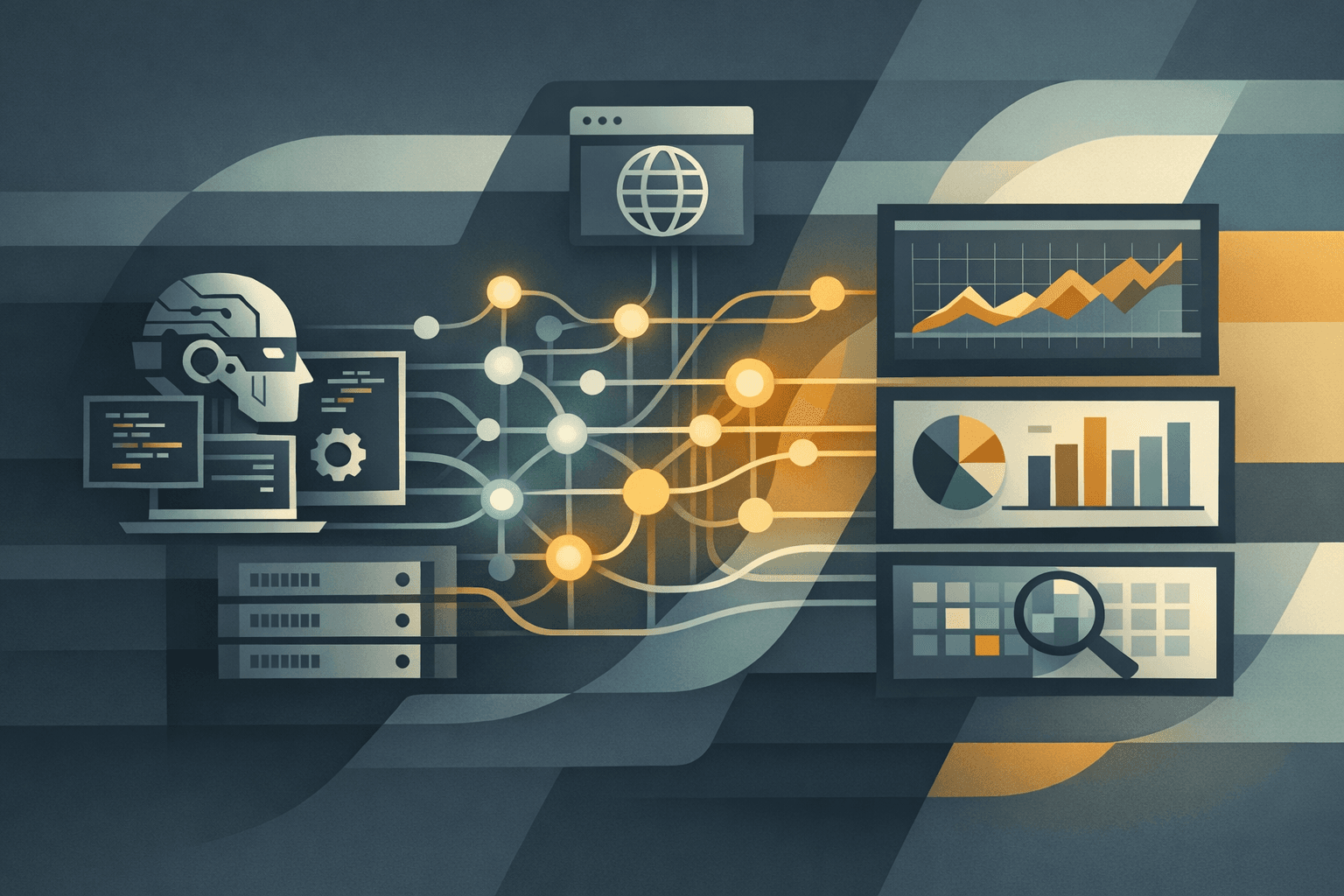
The practical value of MCP is not that it makes AI agents sound smarter. It is that it gives them access to context they do not have out of the box.
That distinction matters for website work. A coding agent can refactor code, write tests, and generate patches with no special integration. But it cannot reliably tell you what your live TLS chain looks like, what MX records your domain is currently publishing, whether a mail exchanger is answering on port 25, or what a fresh TotalWebTool analysis report actually found unless you connect it to a system that can provide those facts.
That is where TotalWebTool + MCP becomes useful. Instead of asking an agent to guess, you give it concrete analysis it can act on.
Why MCP Changes the Workflow
MCP is an open protocol for connecting AI applications to tools and data sources, with a standard way to expose things like tools, prompts, and resources. The protocol's own documentation frames this as a way to standardize how applications provide context to LLMs and to make that context portable across AI tools. (Model Context Protocol: Introduction, Model Context Protocol: Overview)
In practice, that changes the remediation loop from this:
- describe the problem manually
- paste partial logs and screenshots into chat
- ask the agent for a guess
- hope the guess matches production reality
to this:
- let the agent call the analysis tool
- inspect structured results from the real target
- generate a fix based on specific findings
- run tests, produce a diff, and review the change
OpenAI's own MCP documentation makes the same underlying point from the client side: MCP servers give models new capabilities beyond ordinary function calling by connecting them to remote tools and services, and Codex can connect to MCP servers in the CLI or IDE extension. (OpenAI API Docs: Connectors and MCP servers, OpenAI API Docs: Docs MCP)
What TotalWebTool Adds to the Agent
TotalWebTool's MCP server exposes structured tool calls for concrete website work, including:
- Website Analyzer for a full site analysis report
- SSL Checker for live certificate-chain inspection
- MX Records Check for mail-routing validation and SMTP banner probing
- SPF/DMARC Checker for core email-authentication records
- several supporting utility tools for related debugging workflows
This is the key operational difference: the agent is no longer reasoning only from your prompt. It is reasoning from live analysis results.
That matters because many website issues are not visible in the codebase alone:
- the site in production does not match the branch under review
- a proxy, CDN, or load balancer changes what clients actually receive
- DNS or mail routing is wrong even though the application code is fine
- the bug is real, but the root cause is configuration drift rather than a code defect
A coding agent without tool access can still be helpful, but it is operating on partial information. With MCP, it can fetch the missing evidence before it edits anything.
That is also why MCP support in clients matters. Anthropic says custom connectors using remote MCP are available on Claude, Cowork, and Claude Desktop, which means the same kind of tool-backed workflow can increasingly move from specialized developer setups into mainstream AI chat interfaces. (Anthropic Help Center: remote MCP custom connectors)
Faster Remediation, Not Just Better Answers
The immediate benefit is speed, but the more important benefit is specificity.
If the agent can call TotalWebTool, it can move through a stronger loop:
- run analysis against the live site
- identify the findings that are actually actionable in code
- map those findings to the relevant files in the repo
- generate a patch
- run project tests or linting
- return a diff or PR for review
That is a materially better workflow than asking an agent vague questions like "why is our site losing conversions" or "why are our lead notifications failing." The agent now has concrete analysis to work from, and that makes its output easier to trust and easier to review.
For many teams, this means coding agents stop being just suggestion engines and start becoming remediation engines.
Where This Is Especially Useful
The strongest use cases are the ones where diagnosis and code changes need to happen together.
Examples:
- Post-audit remediation: run the TotalWebTool analysis, then have the agent implement the code-side fixes for the issues it can address.
- Launch QA: check the live site, not just the staging branch, then patch regressions before they spread into production.
- SSL and delivery debugging: use SSL, MX, and SPF/DMARC checks to determine whether the problem is trust, DNS, or email configuration before wasting time inside the application layer.
- Client maintenance: give the agent a repeatable way to inspect multiple sites and produce prioritized fixes instead of generic audit summaries.
- Lead-flow protection: validate whether form notifications are likely failing because of mail routing or domain configuration, then separate infrastructure issues from code issues faster.
This last category is easy to underestimate. Agents are good at modifying form handlers or notification logic, but they do not know on their own whether the domain's mail exchangers are reachable or whether the required mail records are published correctly. Giving them that context reduces false starts.
What Agents Can Safely Automate
With the right repo access and test setup, a coding agent can often handle a meaningful percentage of remediation work automatically:
- HTML, template, and component fixes
- metadata and structured-data corrections
- routing and linking issues
- form handling and validation changes
- test creation for known regressions
- cleanup of obvious frontend or application-layer findings
That is where MCP becomes powerful. The agent is not inventing a task. It is receiving concrete analysis, selecting the code changes that correspond to that analysis, and then producing a reviewable result.
With OpenAI's recent Codex app release, the multi-agent side of this gets more interesting. OpenAI describes the app as a command center for multiple agents, with isolated worktrees, background tasks, shared configuration with the CLI and IDE extension, and system-level sandboxing by default. OpenAI's earlier Codex launch also described each cloud task as running in its own sandboxed environment preloaded with the repository. (OpenAI: Introducing the Codex app, OpenAI: Introducing Codex)
The implication is straightforward: once an agent can call a trusted MCP server for live analysis, parallel remediation workflows become much more realistic. One agent can inspect findings, another can draft code fixes, and another can validate the resulting diff or test output. That does not mean every issue should be fixed automatically, but it does mean much more of the diagnosis-to-patch loop can be automated than was realistic before.
The Guardrail That Matters
Not every issue discovered through TotalWebTool should be fixed by letting an agent directly mutate live server configuration.
Some remediations are best handled at the server, DNS, proxy, CDN, or mail-provider layer. Those changes may be necessary, but they deserve a higher bar:
- reproduce the problem with concrete diagnostics
- test the change in a sandbox or staging environment
- review the exact configuration change
- promote it deliberately rather than letting an agent improvise in production
That caution is consistent with how major AI platforms frame MCP and agent permissions. Anthropic warns that remote MCP connectors can access and act in external services and recommends connecting only to trusted servers, reviewing approval requests carefully, and limiting enabled tools to the ones relevant to the task. OpenAI similarly warns that custom MCP servers can access, send, and receive data in external applications and recommends careful review of write actions and trusted-server selection. (Anthropic Help Center: remote MCP custom connectors, OpenAI API Docs: Building MCP servers for ChatGPT and API integrations)
So the right model is not "give the agent root on production." The right model is "give the agent evidence, a controlled workspace, a test harness, and a review step."
Why End Users Benefit Even If They Never Touch MCP Directly
Not every customer wants to configure Claude Desktop or work inside the Codex app personally. They still benefit when their team or agency does.
MCP improves the workflow behind the scenes:
- faster turnaround from audit to fix
- fewer hallucinated recommendations
- better separation between code issues and infrastructure issues
- more repeatable remediation across multiple sites
- cleaner handoff between diagnosis, patching, and review
It also makes vendor choice less brittle. One of MCP's practical strengths is that context can travel across compatible clients instead of being trapped inside one assistant. That matters for teams experimenting with Claude Desktop, Codex, IDE-based agents, and future MCP-capable tools. (Model Context Protocol: Introduction)
The Bottom Line
Coding agents are already good at making changes. What they usually lack is trustworthy, live context.
TotalWebTool's MCP server closes that gap by giving agents concrete website analysis and diagnostics they can actually act on. That makes faster remediation possible, and in many cases it makes partial or full automation possible too.
Used well, the pattern is simple:
- analyze with TotalWebTool
- let the agent turn findings into code changes
- keep infrastructure and production-sensitive changes behind sandboxing and review
That is a much stronger model than asking an agent to guess.