
Most Frontend Error Handling Is Logging Without Recovery
Published Apr 21, 2026 by Editorial Team
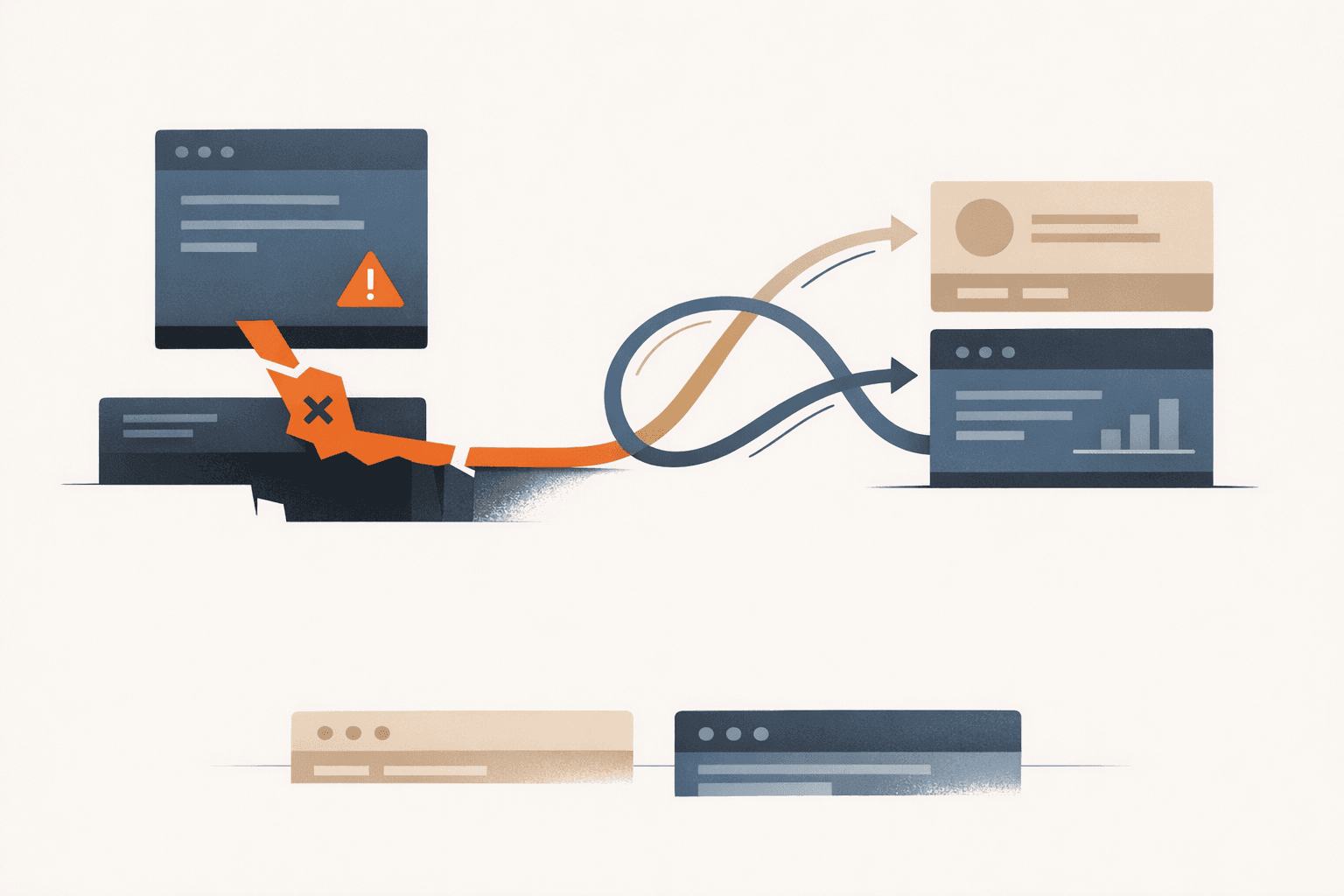
Most frontend error handling is not handling.
It is logging.
An exception reaches Sentry. A toast says "Something went wrong." A spinner disappears. Maybe the page reload button works if the user is patient enough to try again.
That is observability, not recovery.
web.dev's guidance on Fetch error handling describes resilience in terms of user expectations: users expect to be notified clearly, stalled work should not waste bandwidth, interrupted uploads should resume when possible, and code should maintain a sensible level of functionality under bad network conditions. (web.dev: Implement error handling when using the Fetch API)
If your frontend only records the failure after the task is already dead, the product has not really handled the error. It has documented it.
Logging and Recovery Are Different Jobs
Modern framework docs already separate these concerns.
React's error-boundary docs make the split explicit: componentDidCatch is commonly used to log errors to a reporting service, while getDerivedStateFromError is what lets the UI actually render a fallback instead of disappearing. React also notes that, by default, a rendering error removes the UI from the screen unless you place an error boundary around the affected part. (React: Component)
Next.js makes the distinction even clearer by dividing failures into expected errors and uncaught exceptions. Its guidance says expected errors should be handled explicitly and returned to the client, while uncaught exceptions are handled by error boundaries that display fallback UI and can expose a retry action. (Next.js: Error Handling)
That is the standard teams should adopt even outside those frameworks:
- logging tells you that something failed
- recovery determines whether the user can still finish the task
- fallback UX determines whether the failure feels controlled or chaotic
Bundling those into one vague "error handling" bucket is how teams convince themselves they are covered when they are not.
A Mature Frontend Designs the Failure Path
The happy path is only half the interface.
A mature frontend should answer failure questions up front:
- what remains usable if one request fails
- which requests should be canceled when the user changes direction
- when retry is safe, automatic, or user-triggered
- what the user should see while stale or partial data is still useful
- how to recover without destroying form state or forcing a full refresh
This is where graceful degradation stops being a slogan and becomes a product decision. MDN describes progressive enhancement as providing a baseline of essential content and functionality to as many users as possible, while offering richer experiences where capabilities allow. It also notes that graceful degradation is related and complementary. (MDN: Progressive enhancement)
That principle applies directly to error handling. If one enhancement fails, the baseline task should not collapse with it.
Retry Logic Needs Policy, Not Hope
Teams often say they "support retries" when what they really mean is "users can refresh the page and try again."
Real retry logic is more specific.
MDN's AbortController documentation exists for a reason: frontend code needs a way to abort in-flight requests, including fetches and response-body consumption, when they are no longer the right work to finish. (MDN: AbortController)
That matters because stale work is its own failure mode. If a user changes a filter, switches tabs, edits a query, or starts a replacement upload, old requests should stop competing with the new task. Otherwise you get race conditions, wasted bandwidth, and UI state that flickers between outdated answers.
Retry policy also has to distinguish between operations. A transient read failure might justify a bounded automatic retry. A payment submission or destructive mutation usually should not be replayed blindly. Frontend teams need to classify requests instead of treating every exception as the same kind of incident.
Partial Success Is Often Better Than a Global Failure
Dashboards, search results, activity feeds, and admin consoles rarely depend on every panel succeeding at once. Yet many frontends still fail the entire page if one request rejects.
MDN describes Promise.allSettled as the concurrency primitive for cases where tasks are independent or when you want the result of each promise, regardless of whether the others fail. That is exactly the behavior many interfaces need. (MDN: Promise.allSettled)
Instead of blanking the whole screen, preserve what still works:
async function loadDashboard(signal) {
  const [summary, activity, alerts] = await Promise.allSettled([
    fetchJSON('/api/summary', { signal }),
    fetchJSON('/api/activity', { signal }),
    fetchJSON('/api/alerts', { signal }),
  ]);

  return {
    summary: summary.status === 'fulfilled' ? summary.value : null,
    activity: activity.status === 'fulfilled' ? activity.value : [],
    alerts: alerts.status === 'fulfilled' ? alerts.value : [],
    hasErrors:
      summary.status === 'rejected' ||
      activity.status === 'rejected' ||
      alerts.status === 'rejected',
  };
}
That should lead to targeted UX:
- render the data that succeeded
- label the sections that failed
- provide section-level retry where it makes sense
- keep the surrounding page stable
Users usually prefer an honest partial result to a total wipeout.
Fallback UI Should Protect Continuity, Not Just Acknowledge Failure
A fallback is not automatically graceful just because it exists.
React's Suspense documentation warns that replacing already visible content with a loading fallback can create a jarring user experience. It recommends transitions and deferred updates in cases where you want to avoid hiding already revealed content while fresh data loads. (React: Suspense)
That is the right instinct for error states too.
Good fallback UX preserves continuity:
- keep prior results visible if they are still informative
- mark data as refreshing instead of wiping it out
- isolate failed regions instead of crashing the whole route
- preserve form inputs so the user does not retype work
- make the next action obvious: retry, edit, continue, or switch path
A spinner plus a generic apology is not graceful degradation. It is just a pause before abandonment.
Offline and Low-Connectivity Paths Need Product Attention
Some teams still treat offline handling like an edge case. That is usually a sign they are designing for office Wi-Fi and developer machines, not real usage.
web.dev's offline fallback guidance makes a sharp comparison: native apps usually still give users something when connectivity is gone, while the web has traditionally given users nothing. Its recommended pattern is straightforward: return a useful offline page for failed navigation requests so the application remains in control of the experience. (web.dev: Create an offline fallback page)
That does not mean every web app needs full offline sync. It does mean the frontend should stop behaving like a total network interruption is outside the product boundary.
What Teams Should Review Instead
If you want to know whether your frontend actually handles errors, review these things:
- which failures have a specific recovery path instead of a generic toast
- which views preserve useful state during reloads, retries, and partial outages
- which requests are cancellable when the user changes intent
- which flows can degrade to a simpler but still usable version
- which critical actions expose clear retry, resume, or alternate-path behavior
That review tells you much more than a count of logged exceptions.
Bottom Line
A frontend has not handled an error just because it recorded one.
Real error handling means the interface can absorb disruption and still help the user move forward. That requires design decisions about cancellation, retry policy, partial rendering, stale state, and fallback UX.
Teams that only log failures learn what went wrong after the experience is already broken. Teams that design recovery paths build products that feel stable before perfect reliability is even possible.